
Free Wedding Seating Chart Maker that works in your browser
Lovely Seating is a free wedding seating chart maker. Add your guests, draw your room to scale and let Auto-Seat place everyone. Then print the chart and place cards, or share a QR page with your guests.
No download · No credit card · Pro is $39 once, never monthly

Explore a Sample Wedding Seating Chart
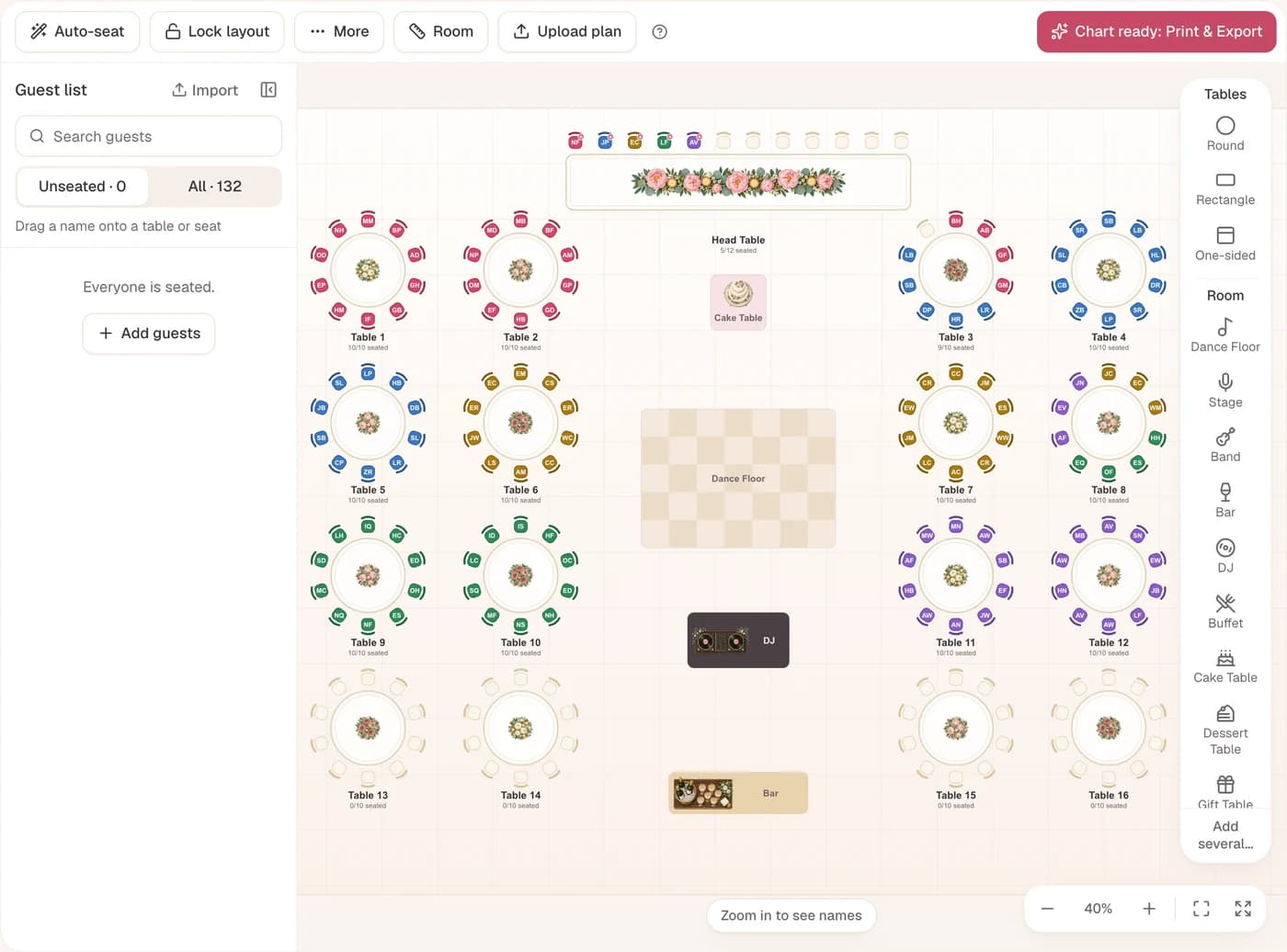
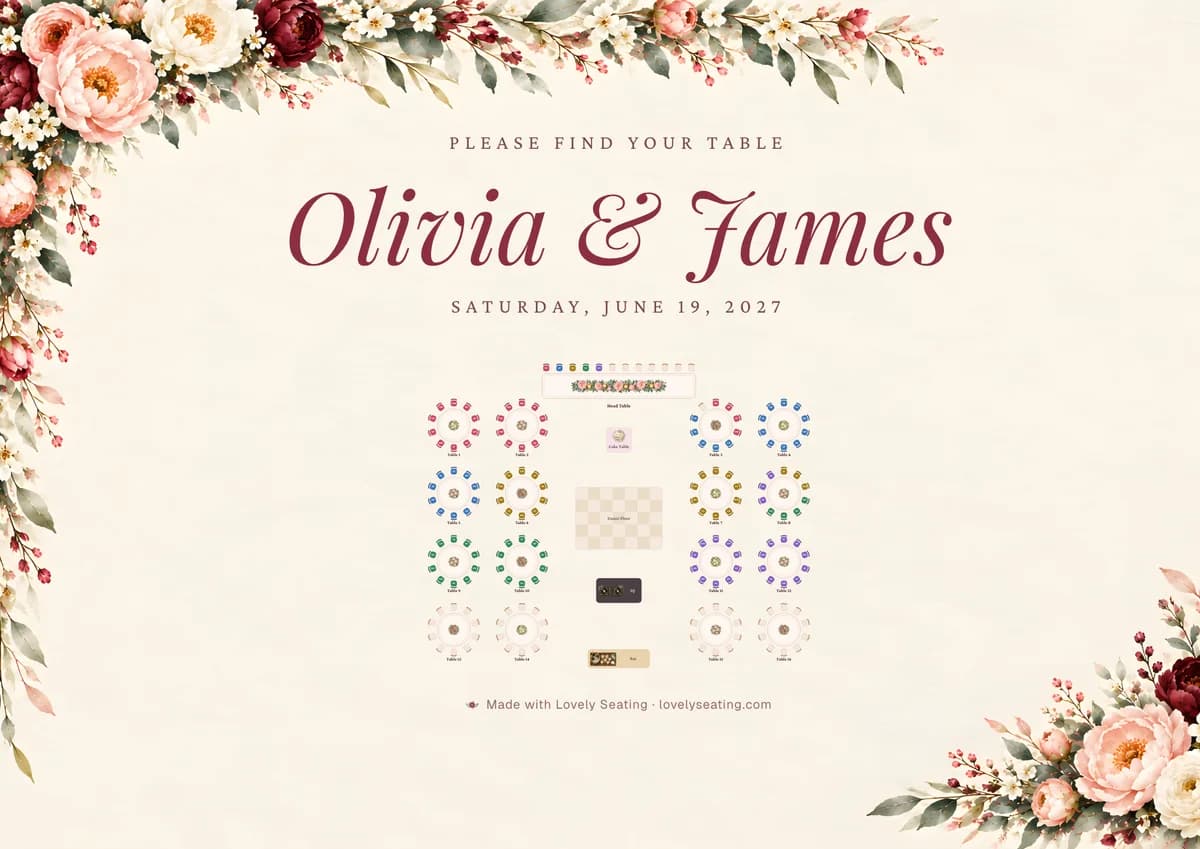
Olivia and James made this reception in the maker: 130 guests at 13 tables, every chair filled. Search for a guest or tap a table to see who sits there.
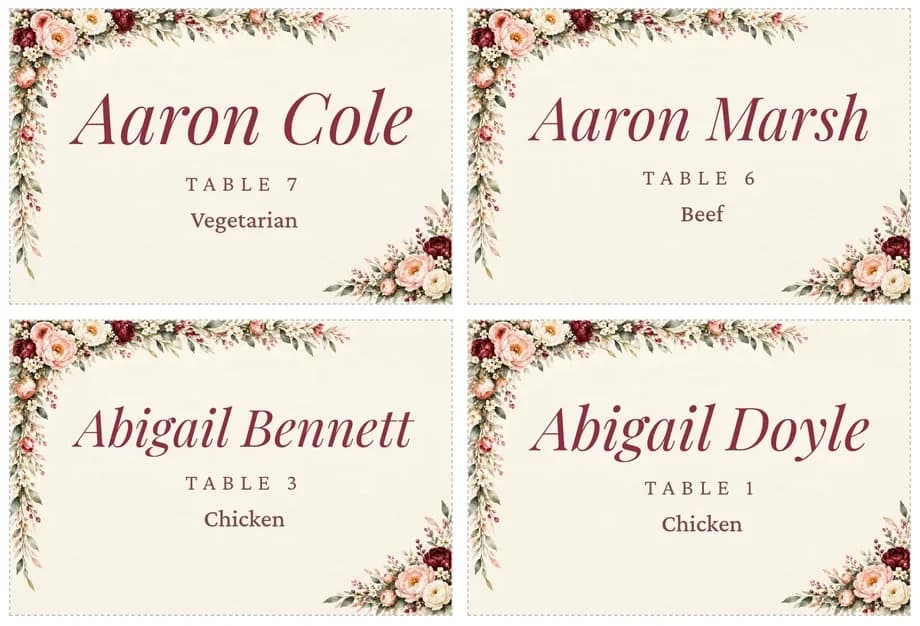
See the table list, place cards and welcome sign they printed in the full sample wedding.
Make Your OwnHow to Make Your Seating Chart in Four Steps
From the guest list you already have to a printed chart on the easel.
Add your guests:Bring the List You Already Have
Paste names, upload a CSV from Excel, Google Sheets, The Knot or Zola, or type guests in one by one. AI import reads a messy list and sorts out couples, families and plus-ones for you.
- Unlimited guest list, even on Free
- RSVPs, meals and seating needs per guest
- 3 AI imports per wedding on Free
Set the room to scale:Draw Your Reception Room to Size
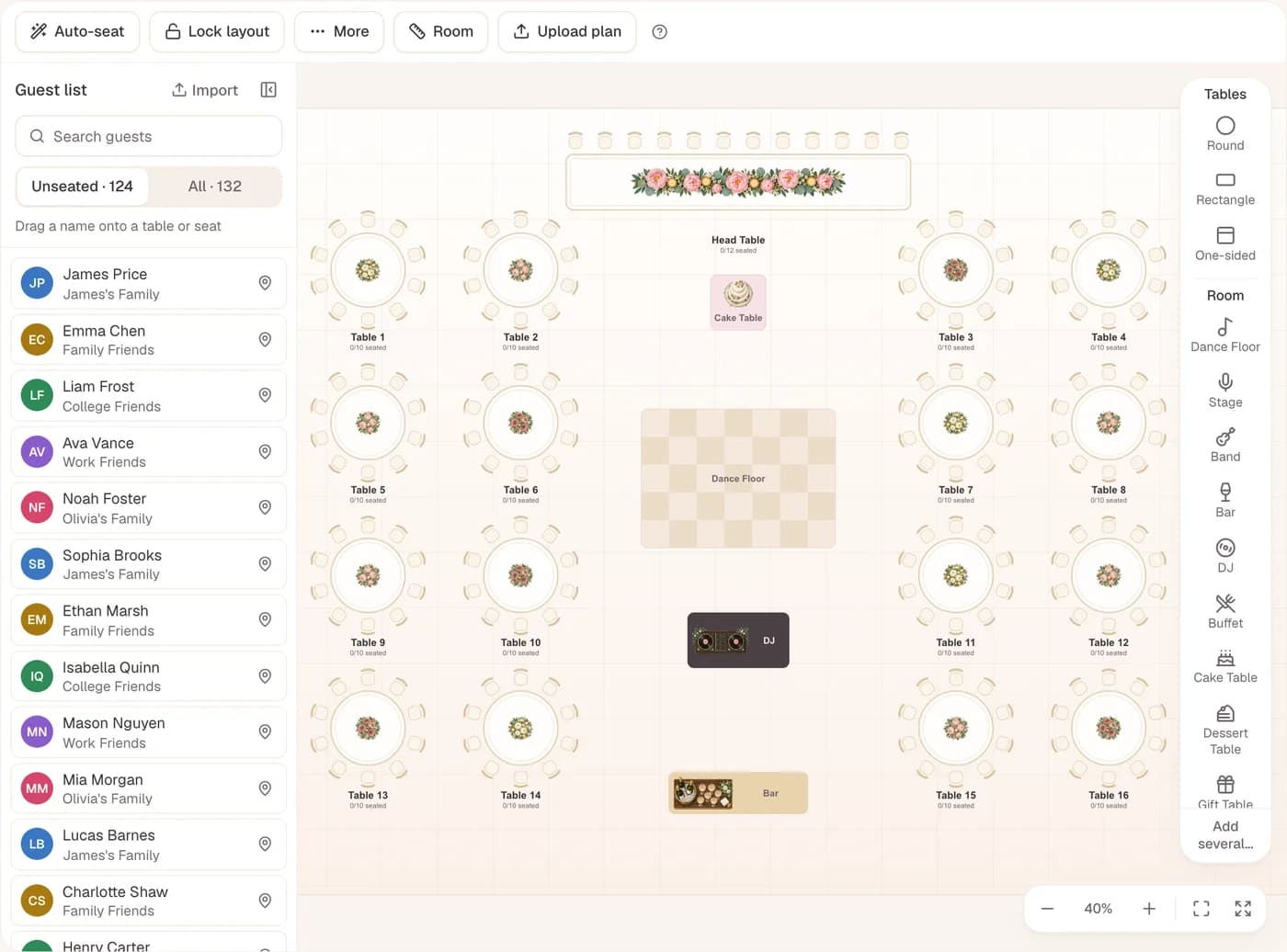
Enter the room’s width and length in feet or meters, or upload the venue’s floor plan as a PDF or image. Then drag round, long and head tables into place, with the dance floor, bar and DJ.
- Tables drawn at their real sizes
- Ready layouts that fit your guest count
- A warning when a walkway gets tight
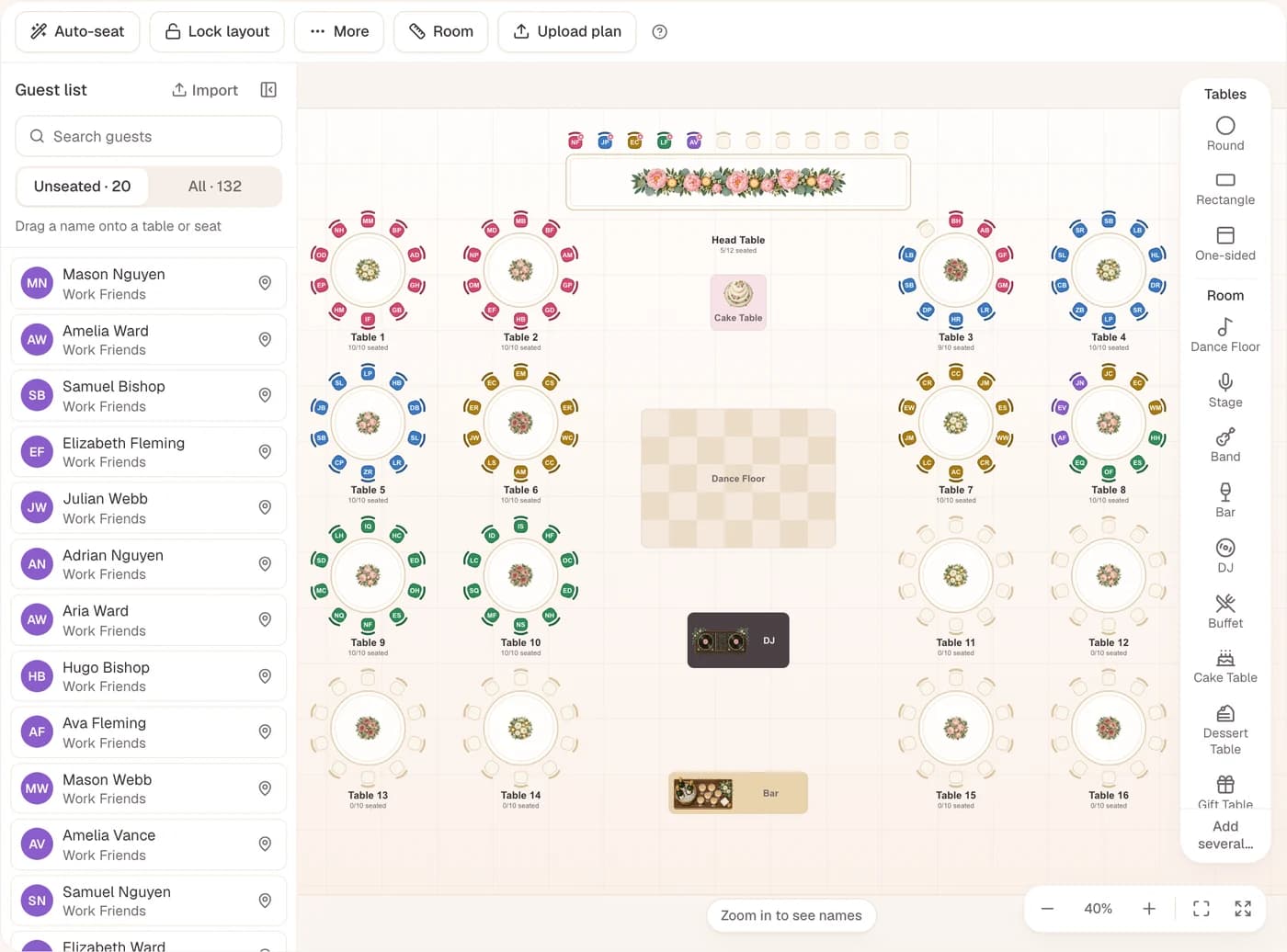
Auto-Seat:Seat Everyone in One Click
Auto-Seat keeps couples and families together, keeps feuding guests apart and matches seating needs to the right tables. Then drag anyone you want to move.
- Never moves a guest you seated or locked
- Explains every table it fills
- Drop a guest on a taken chair to swap
Print or share:Print the Chart, or Share a QR Page
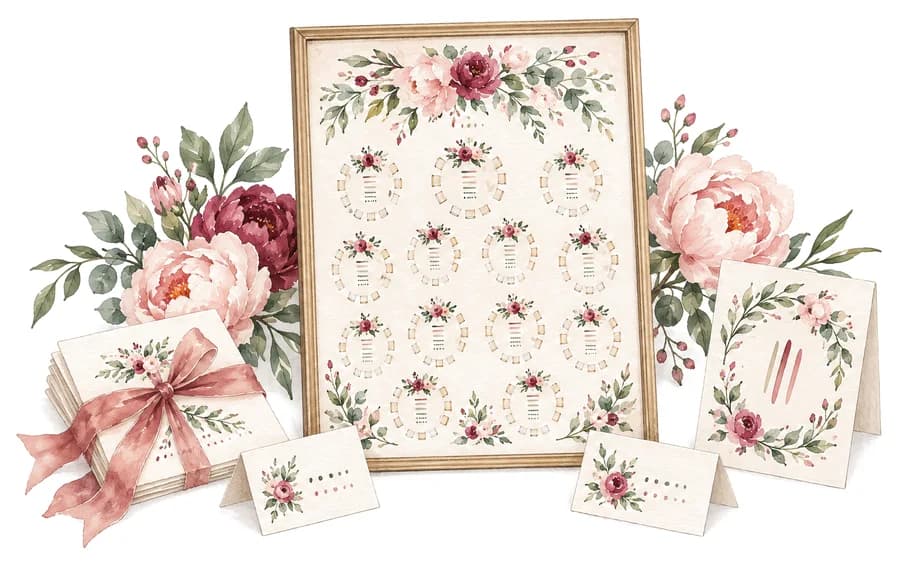
Print a floor plan chart, an A to Z guest finder, table lists and place cards, from A4 up to a poster. Or publish a Find Your Seat page: guests scan one QR code and see their table.
- Twelve painted themes, or your own fonts
- PDF or image, for home or a print shop
- The QR page updates when you change a seat

Olivia & James · 19 June 2027
Welcome,
Benjamin Price
Table 8, seat 7
Sea bass
From the entrance, ahead on your right
What’s Free, and What Pro Adds
Every feature is free for your first 60 seated guests, with no card and no trial clock. When your chart grows past 60, one Pro payment puts every guest on it. There’s no subscription.
Free
$0forever
- Unlimited guest list and tables
- Floor plan to your room’s real size
- Auto-Seat and drag and drop seating
- Charts, place cards and QR page for 60 guests
- Invites and version history
Pro
$39one-time, per wedding
- Every guest seated, past the first 60
- Everyone on your charts, cards and QR page
- Up to 5 seating plans for your wedding
- Guest CSV with tables and seats
- No “Made with Lovely Seating” line
Prices show in your currency. Every limit is listed on the pricing page.
Compared With a Spreadsheet, Canva or a Poster Board
Each works for a small dinner. They start to strain once RSVPs keep changing.
A spreadsheet
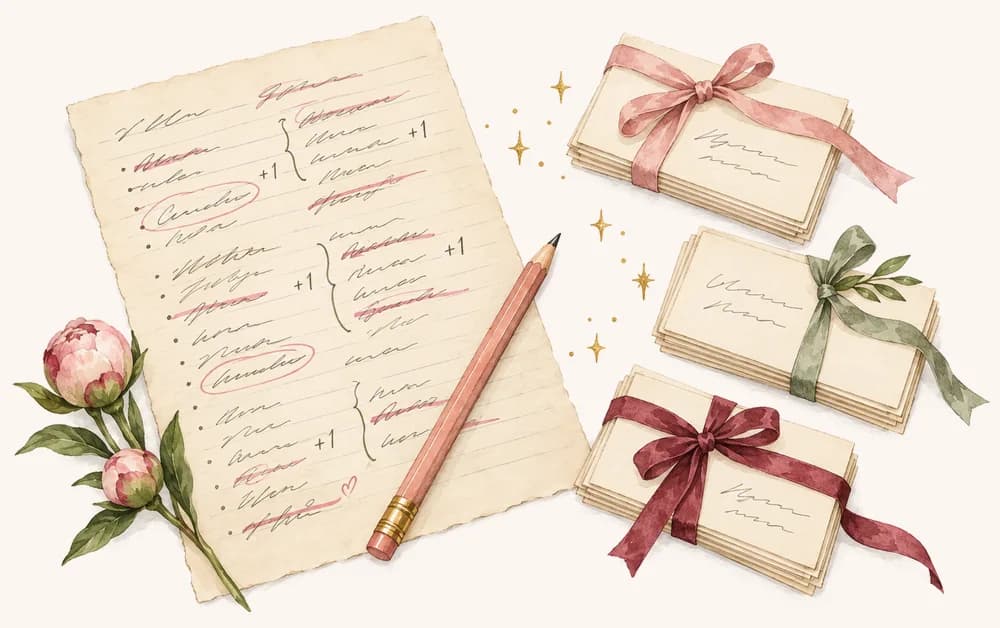
Free and familiar for the list, but it can’t show the room. Every move means retyping a table number, and nothing warns you when a table is full.

Canva
Lovely for the finished sign, but each name is a text box you place by hand, with no guest list behind it. Our Canva seating chart comparison shows how to use both.
A poster board
Charming on the day, but it’s drawn once. A late RSVP means sticky notes or starting over, and the venue never gets a copy.
| Spreadsheet | Canva | Poster board | Lovely Seating | |
|---|---|---|---|---|
| What it costs | Free | Free or paid plan | Board and printing | First 60 seated free |
| Shows the room | No | If you draw it | If you sketch it | Floor plan to scale |
| Seats guests for you | No | No | No | Auto-Seat |
| A late change | Retype the cells | Move text boxes | Start again | Drag one guest |
| Place cards and QR page | No | Design each one | No | From the same plan |
Scroll sideways for every column
Rather fill in a chart by hand? Print our free wedding seating chart template.
Questions About the Seating Chart Maker
Is this wedding seating chart maker really free?+
Yes. The guest list, floor plan, Auto-Seat, printable charts, place cards and the QR guest page are all free, with no card. Free shows your first 60 seated guests; a one-time Pro payment for your wedding shows everyone.
Do I need to download an app?+
No. It runs in your browser on a laptop, tablet or phone and saves as you go.
Do I need an account?+
Yes, a free one with your email or Google. You can explore the sample chart on this page without signing up.
How many guests can I add?+
As many as you like. Your guest list and tables have no limit on any plan. On Free, the first 60 guests you seat appear on screen and on your prints, and everyone after them stays saved in their seat.
Is Pro a subscription?+
No. Pro is one payment for your wedding and it never expires. Only Agency, for professional planners, is billed monthly.
Can I import my guest list from Excel or Google Sheets?+
Yes. Copy the rows and paste them in, or upload a CSV. Save an Excel file as CSV first, or let AI import tidy a messy list.
Can I print my seating chart at home?+
Yes. Save it as a PDF or an image in any size from A4 or US Letter up to a 30 × 40 in poster, then print at home or at a print shop.
Keep Going With Your Seating Plan
Make your seating chart the easy way.
Bring your guest list, draw the room and let Auto-Seat write the first draft.
Free to start · No credit card needed